Real source material
The sample is built from live ClipLaunch pages, not from made-up filler. That makes it credible and immediately reusable.
This example build turns the live ClipLaunch landing page and intake flow into a 22-second vertical promo. It is designed to show the actual offer path clearly: offer → buy → intake → review → delivery.
Important: this is clearly shown as a ClipLaunch sample output / example build. It is not presented as client work.
A website-led promo concept built from the live ClipLaunch site and hosted intake form, packaged as a proof asset for both the landing page and cold outreach.
The sample is built from live ClipLaunch pages, not from made-up filler. That makes it credible and immediately reusable.
The sequence shows what a buyer needs to understand fast: the offer, the buy path, the intake, and the delivery logic.
This can be linked from outreach, used in follow-ups, and embedded as proof while stronger client examples are assembled.
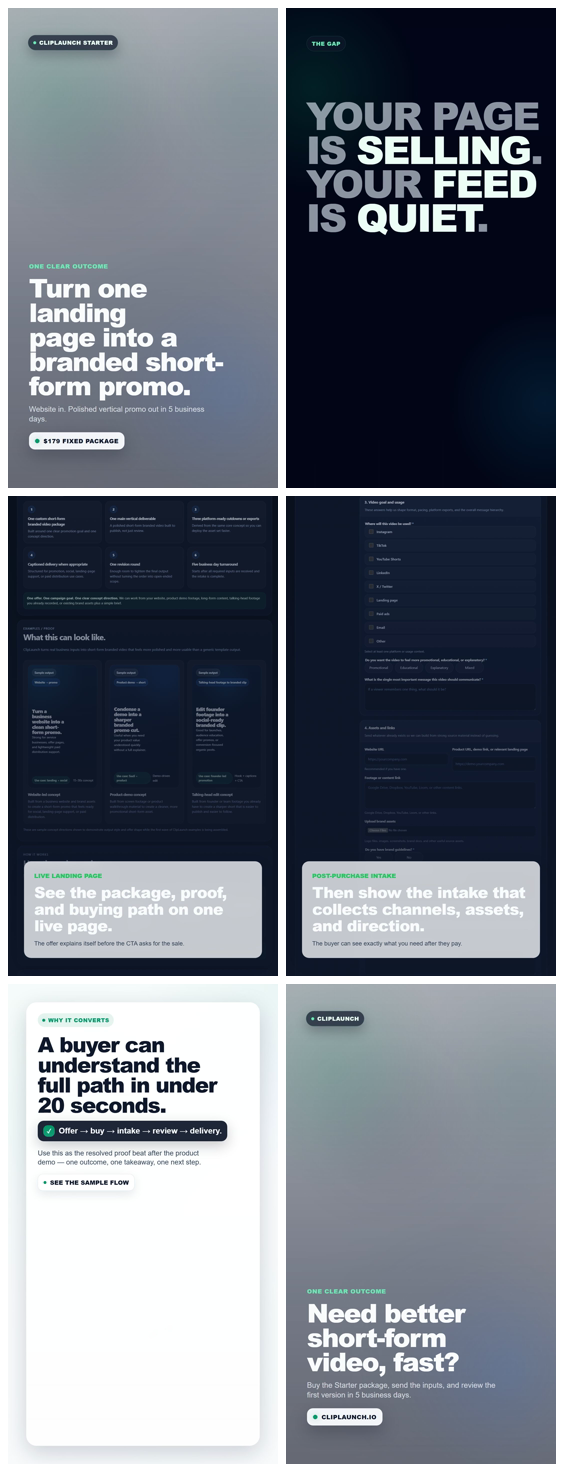
A simple six-part sequence that translates a live page into a short promo story.
Promise the transformation: one landing page in, one branded promo out.
Show the mismatch between a page that sells and a feed that stays quiet.
Zoom into the actual sales page so the offer looks concrete, not abstract.
Show the intake form so the buyer path feels thought through after payment.
Summarize why the path is easy to understand in under 20 seconds.
Return to the brand and push the viewer toward the fixed-package buying path.
Useful for static landing-page support, thumbnails, or outreach attachments when sending video is too heavy.
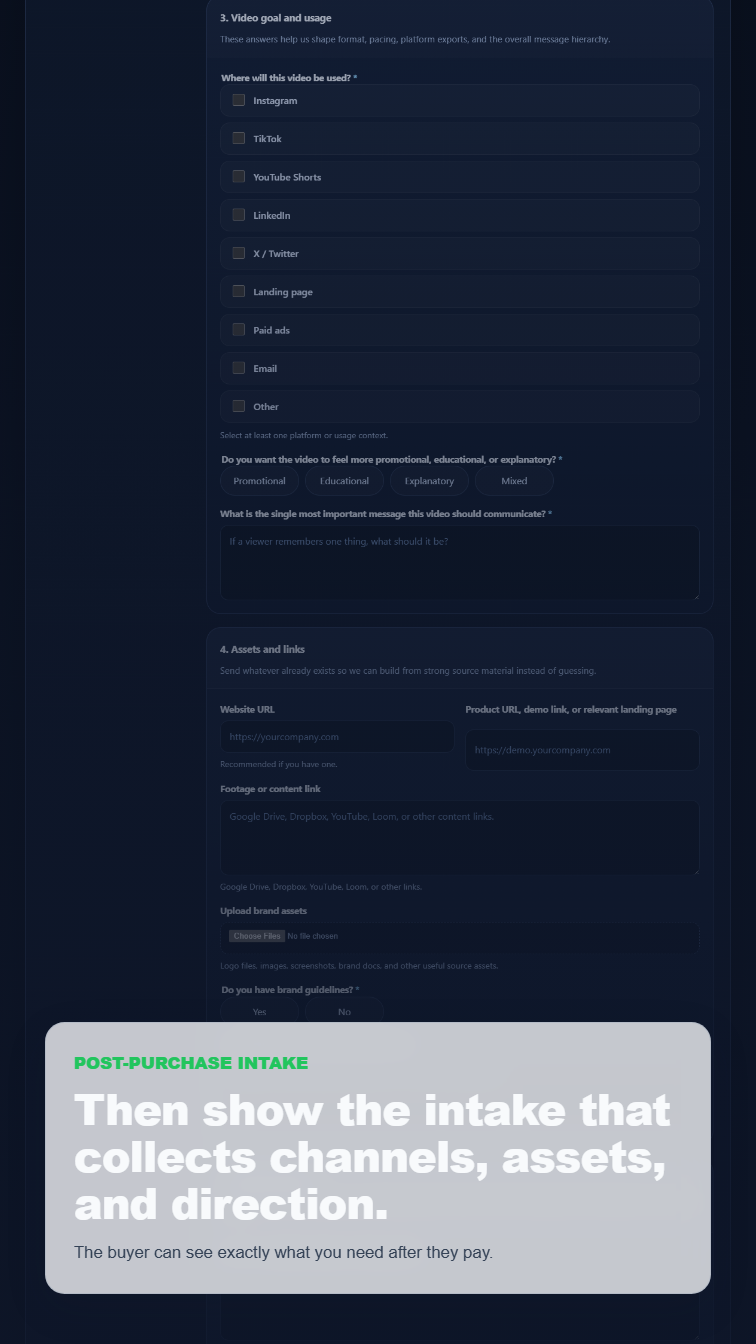
Primary still: use this as a clean thumbnail for the sample video.
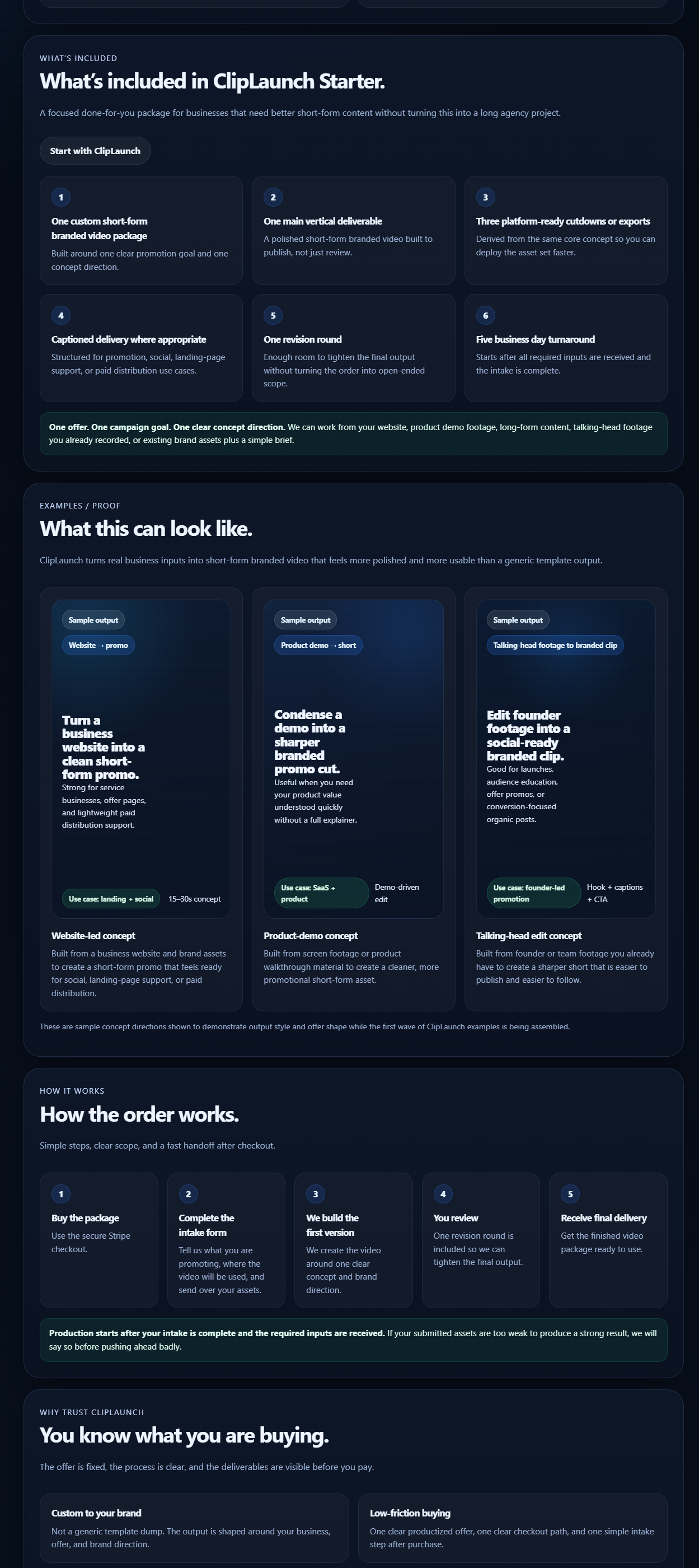
Source page crop: shows the live package and proof section used in the edit.
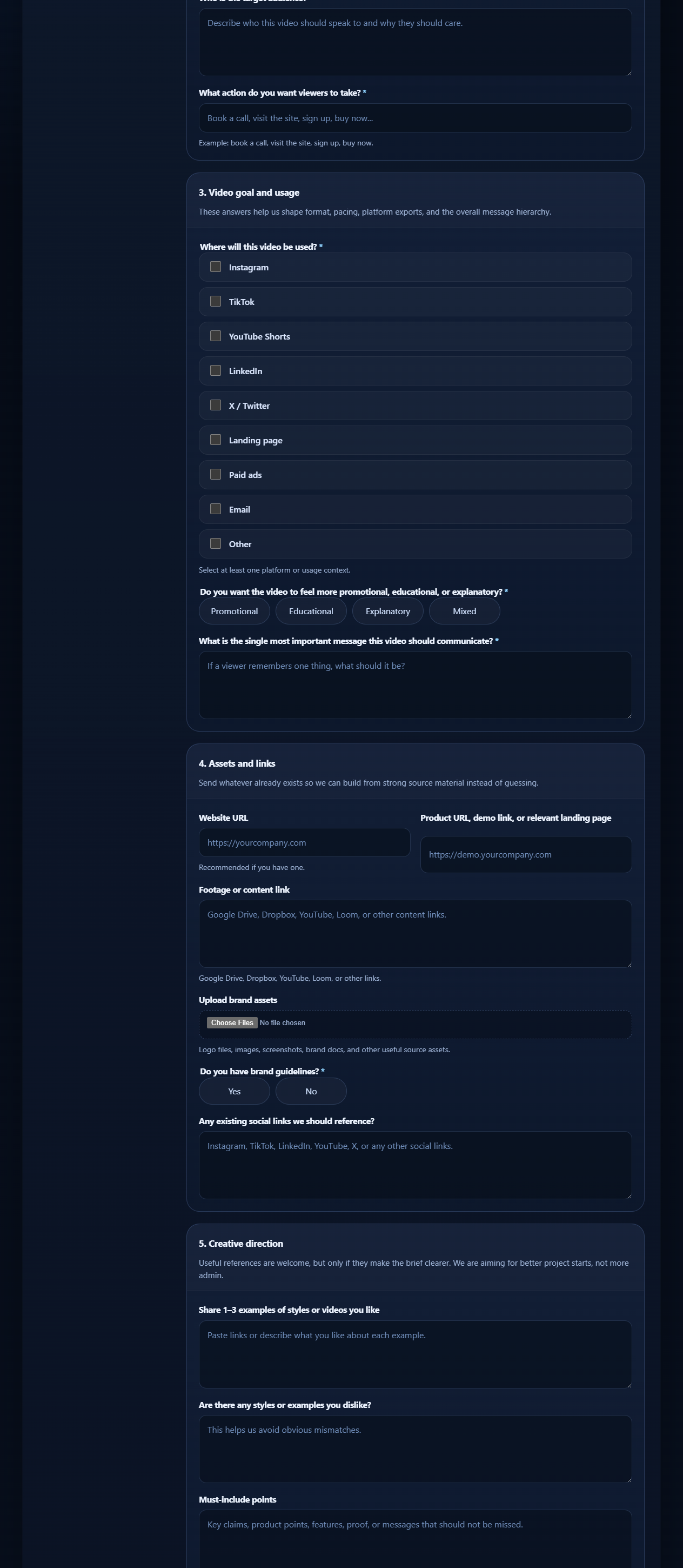
Intake crop: shows the post-purchase flow being made visible inside the sample.
This is now a direct proof link that is better than pointing cold prospects only to the homepage.
Best use: keep the first email short, then send this sample page when someone shows light interest.
If a prospect asks what the output actually looks like, this page answers it faster than a long explanation.
If sending video feels too heavy, use the still or contact-sheet image as a lighter proof attachment.
A compact way to review the sample sequence visually without playing the video.